

Free app for iPhone
Your Hetzner Cloud projects on your iPhone.
What is running, what needs attention and what this month costs. Free, read-only, no account needed. Your token stays on your device.
Coming to the App Store
Create a read-only token

What it shows
Is anything on fire?
The dashboard puts what needs attention first: servers, load balancers, volumes, networks, floating and primary IPs and firewalls, across all your projects.
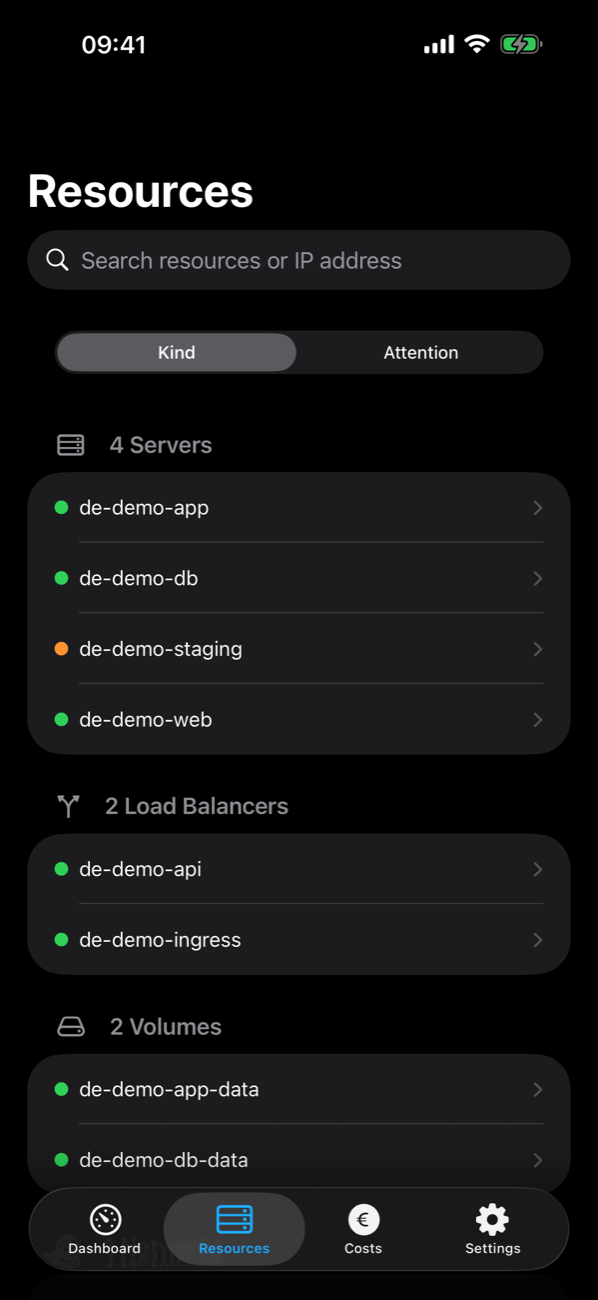
What’s running?
Every resource of every project, by kind or by what needs attention. Search by name or IP address.
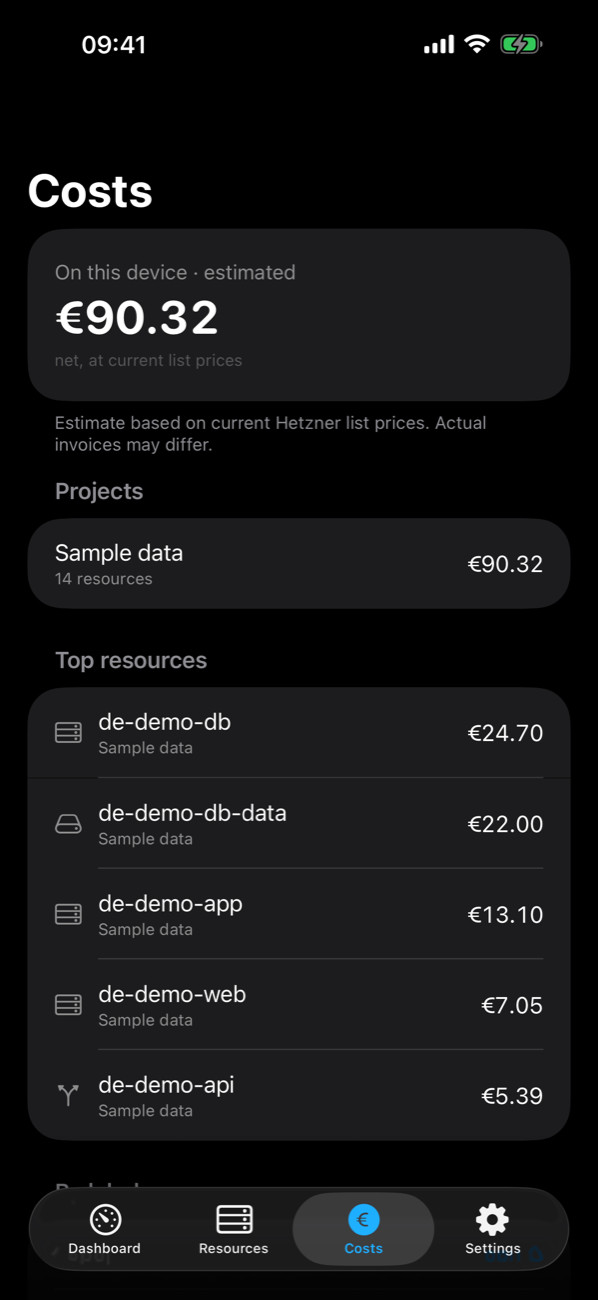
What is it costing me?
This month’s costs, estimated on your device from Hetzner’s list prices, per project and per resource.
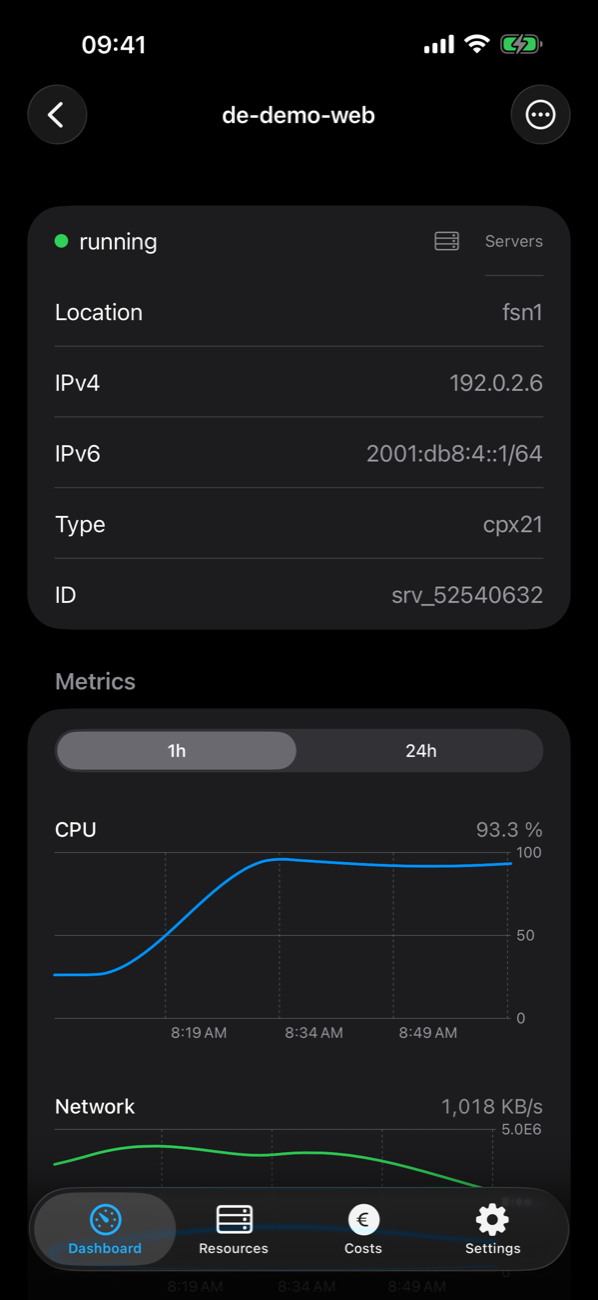
Live charts
CPU, disk and network of each server, for the last hour or day, read from Hetzner.
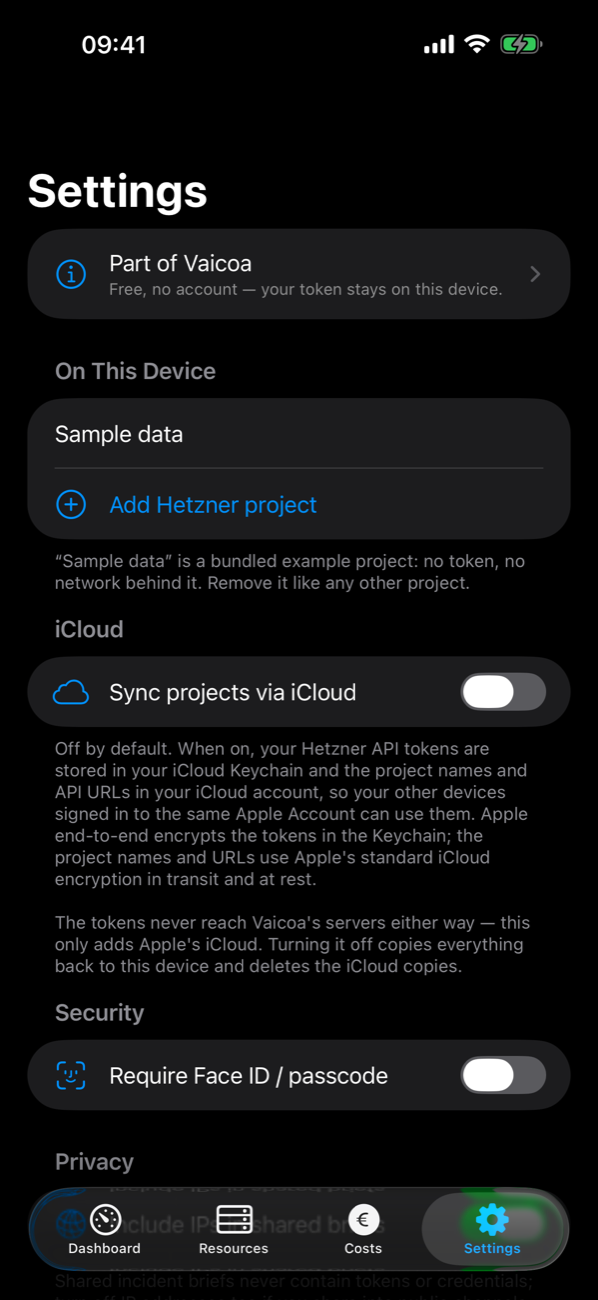
Your token stays on your device.
Projects live on this device. iCloud sync and App Lock with Face ID are there when you want them.


Widgets
The state of your projects on the home screen and the lock screen, without opening the app. Shown with Pro sample data: the 30-day strips, the alerts and the cost come with Pro or Team.


Siri and Shortcuts
Check health, Show alerts and Month cost as actions for Siri and the Shortcuts app. Alerts and the month’s cost need Pro or Team.
Several projects
Add as many Hetzner Cloud projects as you like; the dashboard shows them together.
Explore with sample data
A bundled example project, so you can see every screen before you connect your own.
Privacy
Your token stays on your device
- Your API token is kept in your device’s Keychain and sent only to Hetzner’s API.
- Without an account, your token goes only to Hetzner, never to a server of ours.
- No analytics, no tracking, no advertising.
Requirements
What you need
- An iPhone with iOS 17 or later.
- A Hetzner Cloud API token for each project you want to see. A token with Read permission is enough and recommended: the app never changes anything, and it warns you when a token can write.
- No token yet? Explore with sample data works without one.
Create a read-only token
- Sign in to the Hetzner Console and open the project.
- Go to Security → API tokens and choose Generate API token.
- Give it a description, for example “iPhone”, and select Read.
- Copy the token. Hetzner shows it only once.
- In the app, tap Add a Hetzner project, paste the token and name the project.
Repeat for each project. You can revoke a token in the same place at any time.
Questions
Frequently asked
Is the app free?
Yes, with your own token and no account. Vaicoa Pro and Vaicoa Team, with history, alerts and teams, are optional subscriptions in the app. There is no advertising.
Why does it need a token?
Hetzner’s API answers only to a token, one per project. The app uses yours to read your projects directly from api.hetzner.cloud; without an account, your token never passes through us.
Does it work with several projects?
Yes. Add one token per project, as many as you like. With iCloud sync turned on, your other devices see the same projects.
What about Hetzner Robot and dedicated servers?
Not in this version. The app reads the Hetzner Cloud API; dedicated servers managed in Robot do not appear.
Can the app change or delete my servers?
No. It is read-only by design; changes happen in the Hetzner Console.
How exact are the costs?
They are an estimate from Hetzner’s list prices and your current resources, computed on your device. Your Hetzner invoice is the authority.
What comes next?
Pairing the app with a Vaicoa hub you run yourself, and approving its requests from your phone, are planned for a later version.
Vaicoa also makes a desktop app and a hub you run in your own cloud project. This app is free and works on its own.
Support
Help and contact
First steps and common questions are on the support page. Or write to us; one person reads every message.
Help and supportsupport@mitjamartini.com
Vaicoa is not affiliated with Hetzner Online GmbH.